outotog home for live casino and slots
VIP Baccarat, Asgardian Rising, Rocket Crash and Sportsbook sit in one lobby with DANA, OVO, GoPay and QRIS ready for your first wallet step.

VIP Baccarat and Slot Rooms
The home lobby separates live casino, slots and Sportsbook so you can choose a room without hunting through mixed menus.











What You See On The Home Lobby

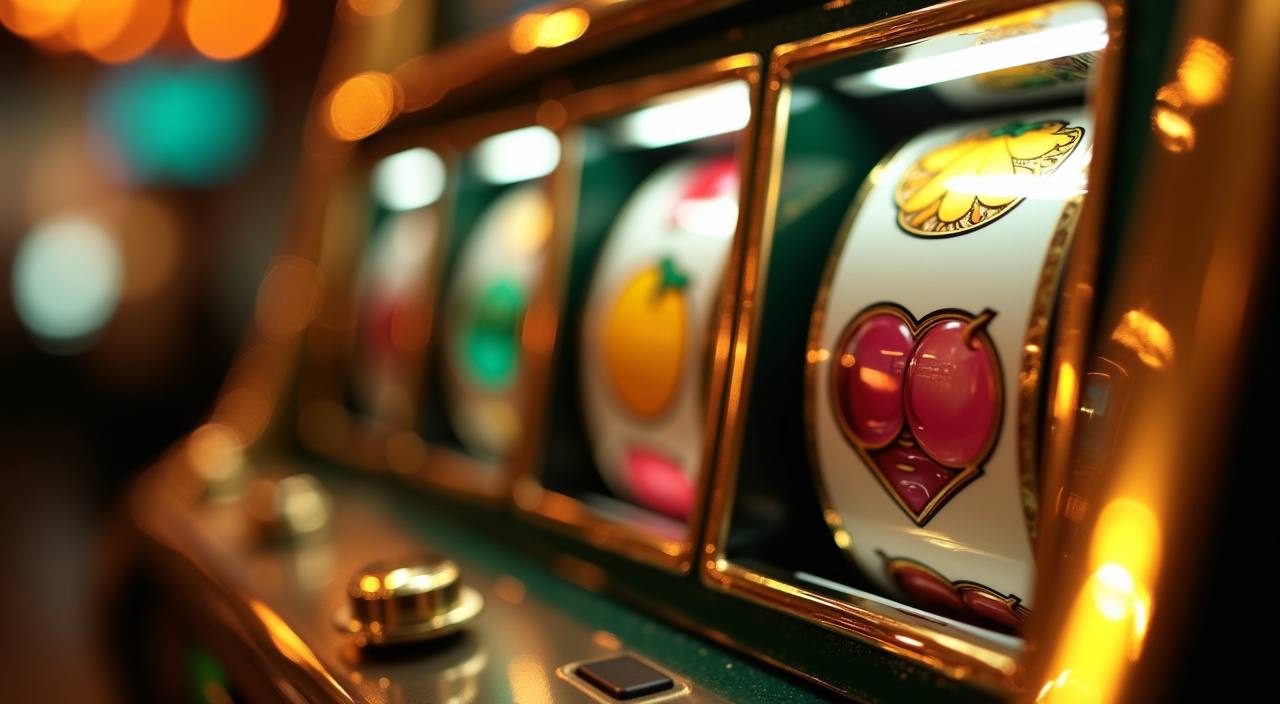
The home page is arranged around quick choices: live tables, slots, crash-style games, fishing rooms and Sportsbook are visible from the first screen. We keep VIP Baccarat, Rocket Crash, Bingo and Fish Hunter close to the category tabs because those are the titles you may return to often. Each card opens inside the same account session, so your wallet, language
setting and help button stay available while you move. If a provider window needs a fresh load, we show that before the round begins instead of hiding it behind another page.
Home Page Signals Before You Join
Opening Your Account From Home
Your first account step is short: enter a mobile number, create a password and confirm the code sent to your phone. We ask for profile details before wallet activity so account ownership is easier to verify later. After that, the cashier shows DANA, OVO, GoPay and QRIS beside the game categories, not buried after several screens. Keep your phone number
active, because password recovery and withdrawal checks can require the same contact point. If eligibility is mentioned, it depends on local law where you are.
Live Tables Beside Casino Slots
Using The Lobby On Your Phone
Mobile use starts from the browser, so you do not need to install an app before checking the home lobby. On Android Chrome and Safari for iPhone, the menu collapses into category tabs, while the cashier button remains near the account icon. Slot rooms load in portrait view; live tables may ask you to rotate if the stream needs more
width. We keep session checks active when the signal drops, and you may need to reopen the game card if your connection changes from WiFi to mobile data.
How We Protect Account Access
Account safety on the home page starts before you open a game. We separate login, wallet and help actions so you can see where each step begins, and we check unusual wallet…
Separate wallet checks
Deposits and withdrawals are checked against your registered account details, which helps us spot mismatched names, repeated failed attempts or rail changes that need confirmation.
Clear provider loading
Live tables and slot rooms open through provider windows, and we show loading or maintenance states before you enter a round rather than leaving you inside a blank frame.
Contact control
Our chat team can help with account access, but password recovery follows phone or email verification so account control stays with your registered contact.
Local law wording
Where availability is discussed, we state that access depends on local law and is available only where local law permits in your area.

Deposits And Withdrawals At Home
The cashier on our home page is built around Indonesian rails you already know: DANA, OVO, GoPay and QRIS. Deposits usually appear after the payment confirmation returns from the selected rail, often in under a minute when the network is normal. Withdrawals take more checks because we confirm account details, balance status and rail match before release. If a request
needs manual review, support will ask through chat or email for the missing detail, not through a public comment or social post.
DANA OVO GoPay QRIS On Home
Payment choice appears early because wallet friction is one of the first things you check.
Asgardian Rising Rocket Crash Fish Hunter
Casino and slots are presented with short labels so you can move from feature-heavy reels to crash rounds or fishing rooms without learning a new menu.
Where Access May Be Available

Indonesia access can depend on where you are, the device network you use and the rules that apply locally. We avoid promising availability in every location; when eligibility is discussed, access depends on local law and is available only where local law permits. The home page is written to show what the account flow contains before you proceed: game categories,
wallet rails, support hours and verification steps. If you are unsure whether access is permitted, check your local rules before opening or using an account.
Help From The Home Page
Support is reachable from the home page because account questions often happen before a game opens. We cover live chat and WhatsApp from 10:00 to 02:00 WIB, while email is used for longer cases such as document checks or wallet traces. Tell us the rail, time and amount when asking about a payment. That lets the team check the correct cashier record instead of asking you to repeat the whole story.
Live chat
Use live chat for login issues, missing game loads or quick wallet status checks. Keep your account phone number ready so the agent can verify the right profile.
WhatsApp is useful when you need to share a payment receipt or confirm a step while staying on your phone. Do not share your password.
Email is better for document checks, withdrawal traces or account access cases that need a written thread. Include date, rail and registered contact details.
Why The Home Page Shows Local Details
We put Indonesian details on the home page because your first decision is practical: can you fund, enter and get help in the same account flow? DANA, OVO, GoPay and QRIS answer the wallet question. The 10:00-02:00 WIB help window answers the service question. Game categories such as live casino, slots, Fish Hunter and Sportsbook answer the lobby question. By
showing those items before registration, we let you judge the account path with fewer surprises and a clearer sense of how the service operates.
Questions You Ask Before Joining
These answers focus on the home page experience: account entry, wallet rails, device behavior, support access and local availability. We keep them short because you may be checking the site from a phone before creating an account. If your question involves a transaction, contact support with the rail name, time and account phone number so we can look at the right record.